KNOWLEDGE
Case StudiesBlogsEventsSupport & Starting
Support Articles & HubSupport Videos (Youtube)Try Leadoo Free (Leadoo Lite)Partners & Careers
PartnershipsCareersSecurity & Privacy
Security at Leadoo AIGeneral Terms & ConditionsData & GDPRKNOWLEDGE
Case StudiesBlogsEventsSupport & Starting
Support Articles & HubSupport Videos (Youtube)Try Leadoo Free (Leadoo Lite)Partners & Careers
PartnershipsCareersSecurity & Privacy
Security at Leadoo AIGeneral Terms & ConditionsData & GDPRLeadoo is fully integrated to Google Tag Manager, meaning that custom events can be triggered for every interaction any visitor does with Leadoo chatbots. Here’s how to implement Google Tag Manager to work with Leadoo.
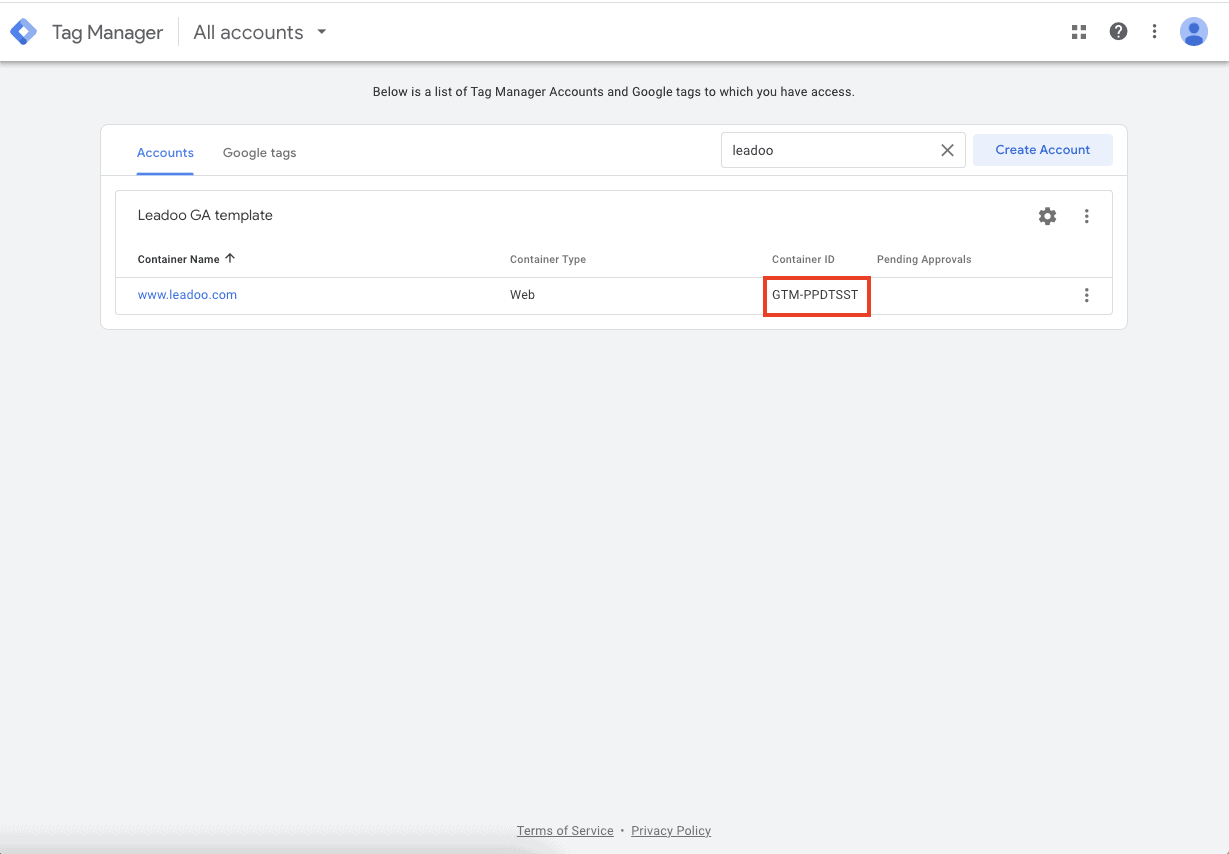
You can find your GTM container ID after logging in to Tag Manager. Copy your GTM container ID.
After that log in to app.leadoo.com/sign-in
Go to Conversion Kit -> General bot settings -> Advanced
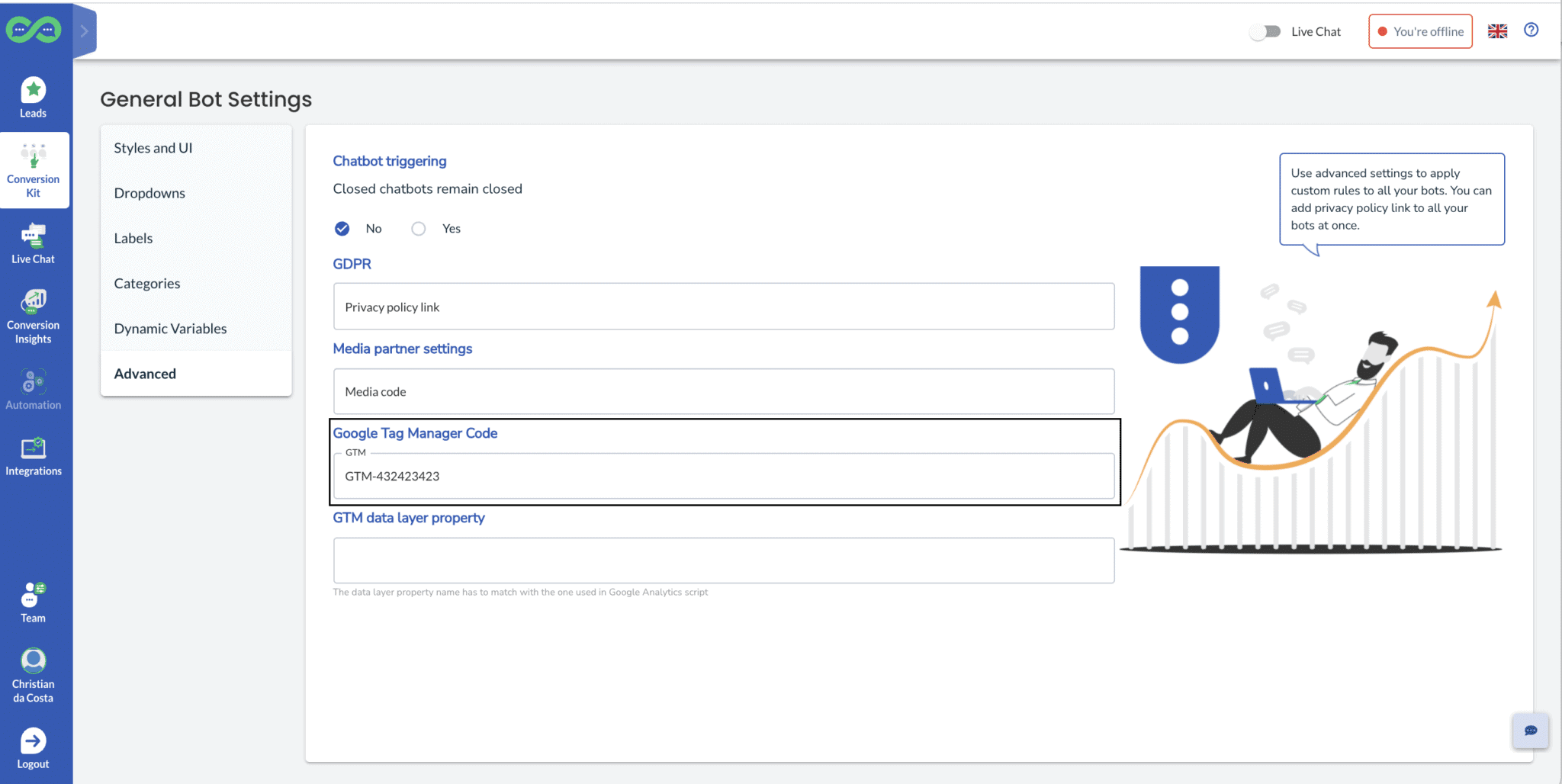
Add your GTM container ID to the Google Tag Manager Code field
*In most cases you can leave GTM data layer property field empty.
After this has been set your bots will start sending events.
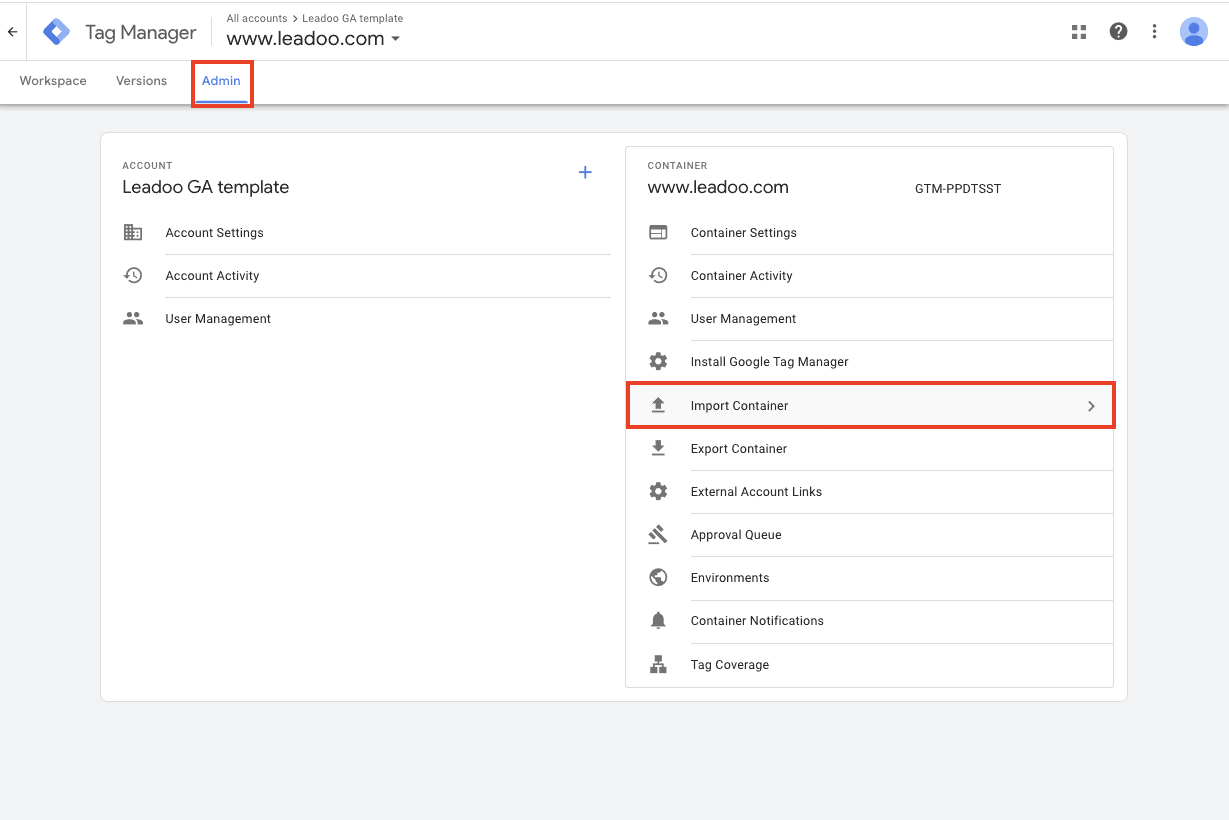
Click Admin
On the right hand side open Import Container
You can download the correct file from here.
Click Choose container file
Add Leadoo-GA4-Template.json file
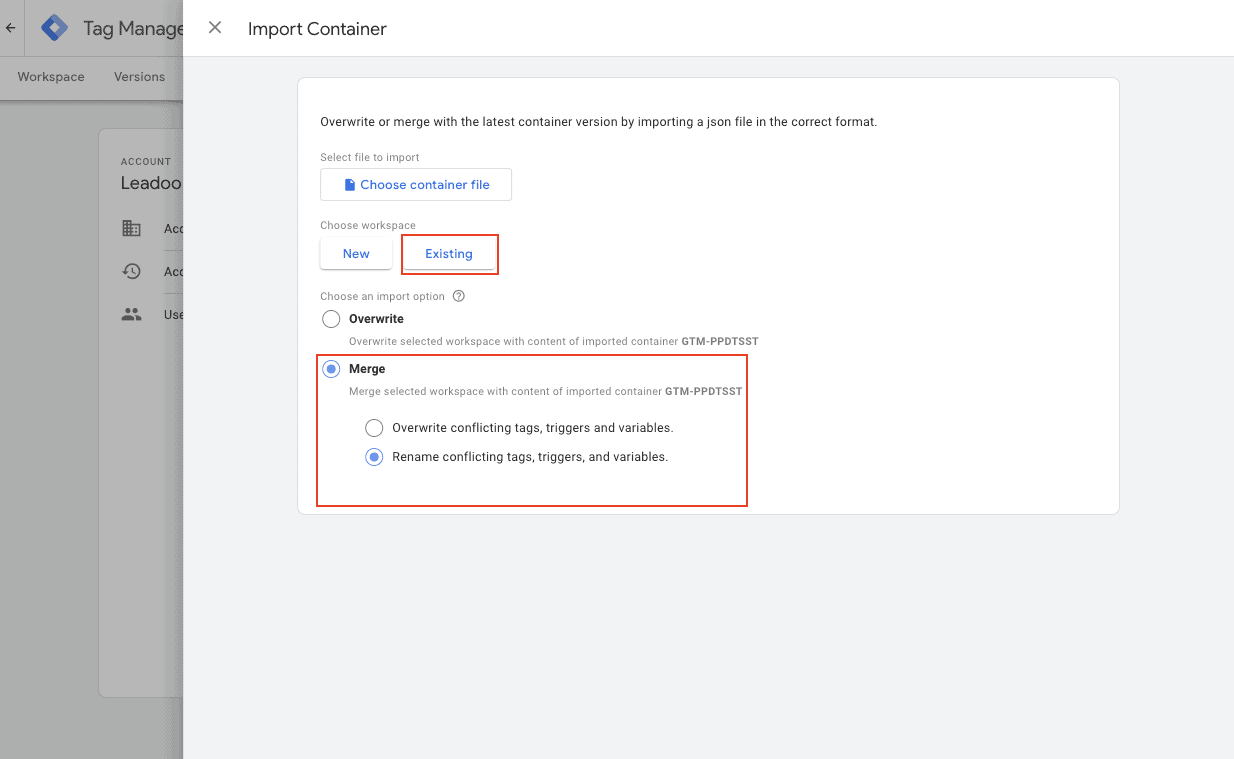
Choose existing workplace
After this choose an import option. You can merge conflicting tags, triggers and variables
Submit new tags, triggers, variables and templates
Go to Tags -> Add your GA4 configuration tag to the tags you’ve just created -> publish changes
You’ve now connected Leadoo to your Google Analytics 4
*If you haven’t connected GTM and GA4 you can connect the two applications. In your GTM container, create a new tag using the following steps:
* You can find Measurement ID from GA4 under Admin -> Data Stream -> click account -> copy Measurement ID
If you need any help setting up the integration you can contact [email protected]
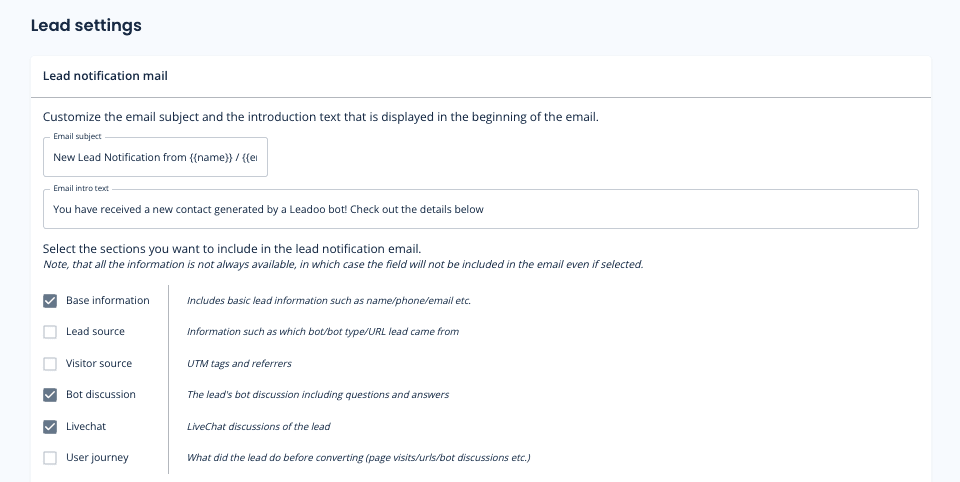
On Lead settings you can define what information you want to include on your lead emails by selecting different sections.*
*Note, that all the information is not always available, in which case the field will not be included in the email even if selected.
You can also define Email subject and intro text. That way you can make the email subject more clearer to the lead recipients. Ie. You can add the email subject to contain name and company of the person that contacted you. You can use following macros:
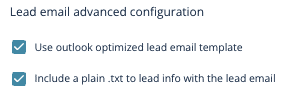
If you use outlook we recommend you to use Outlook optimized email templates.
And if you have issues copying the message from lead emails select ”Include a plain .txt to lead info with the lead email”

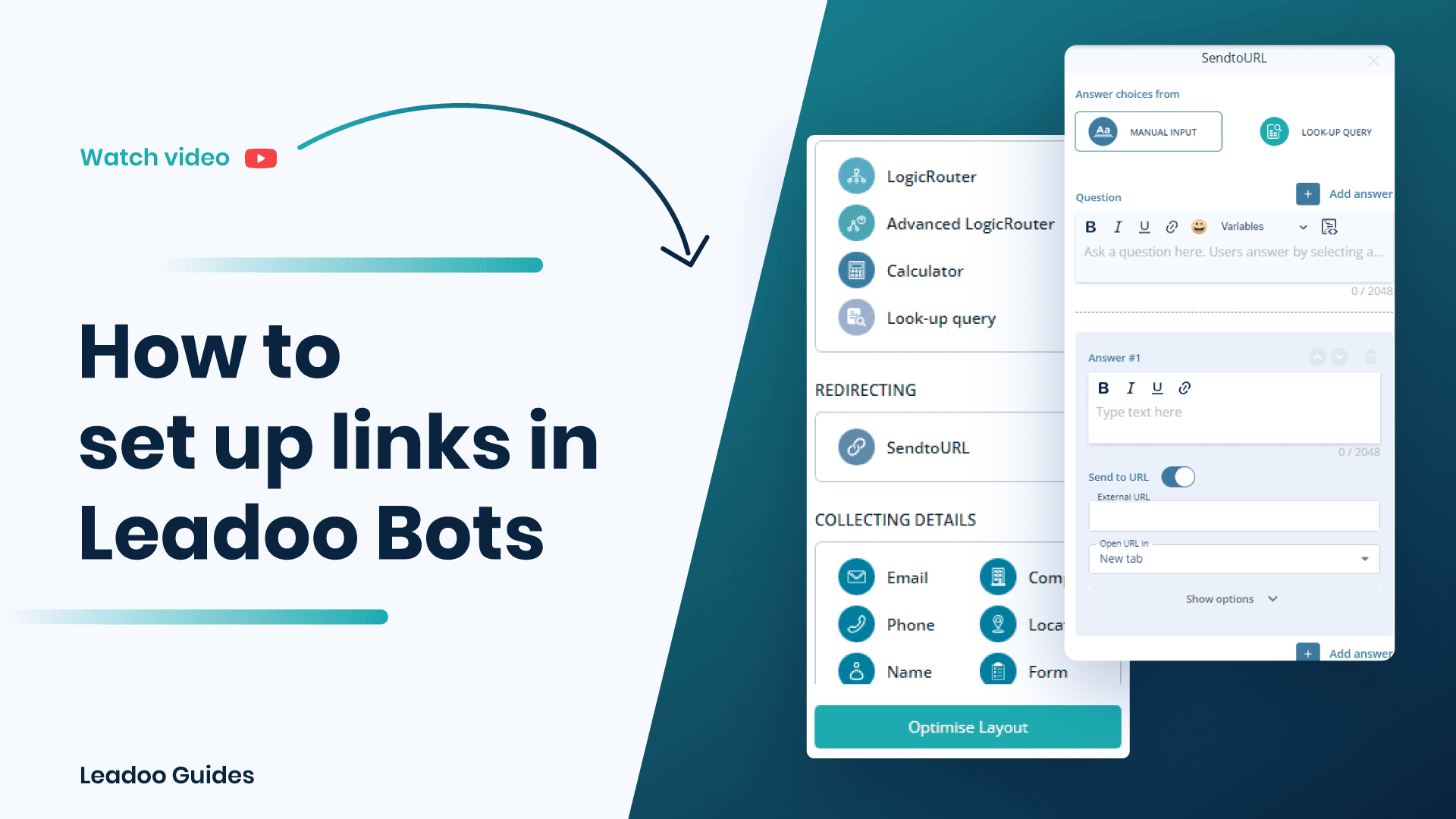
Learn more about Leadoo Visual Bot Builder here!
A chatbot is a piece of software that can simulate a conversation (or a chat) between a user and a computer. Chatbots are used on company websites and in other digital services to facilitate communication and interaction between a company and its customers.
Read everything you need to know about chatbots on this page.
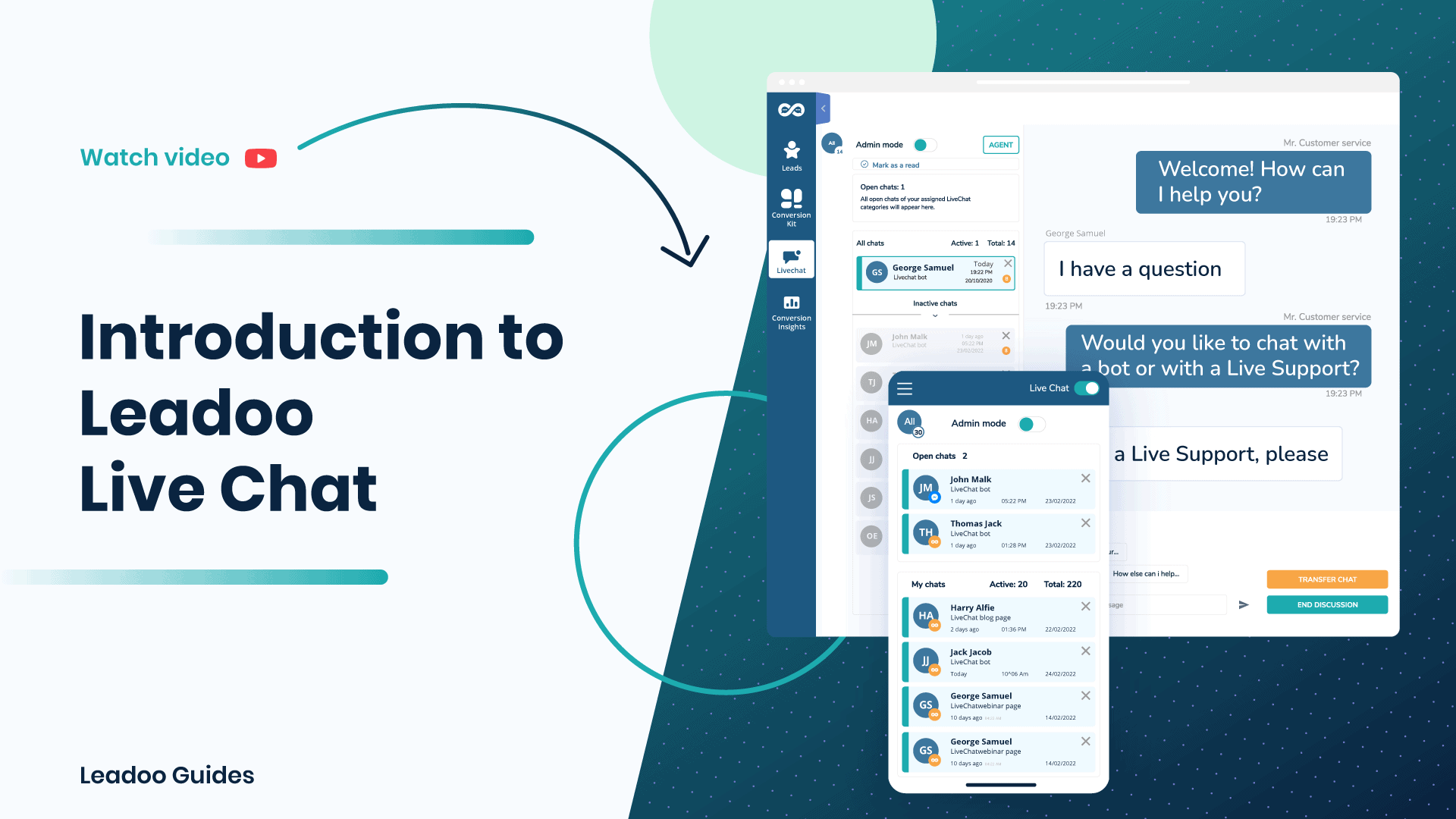
For more information – check the video below

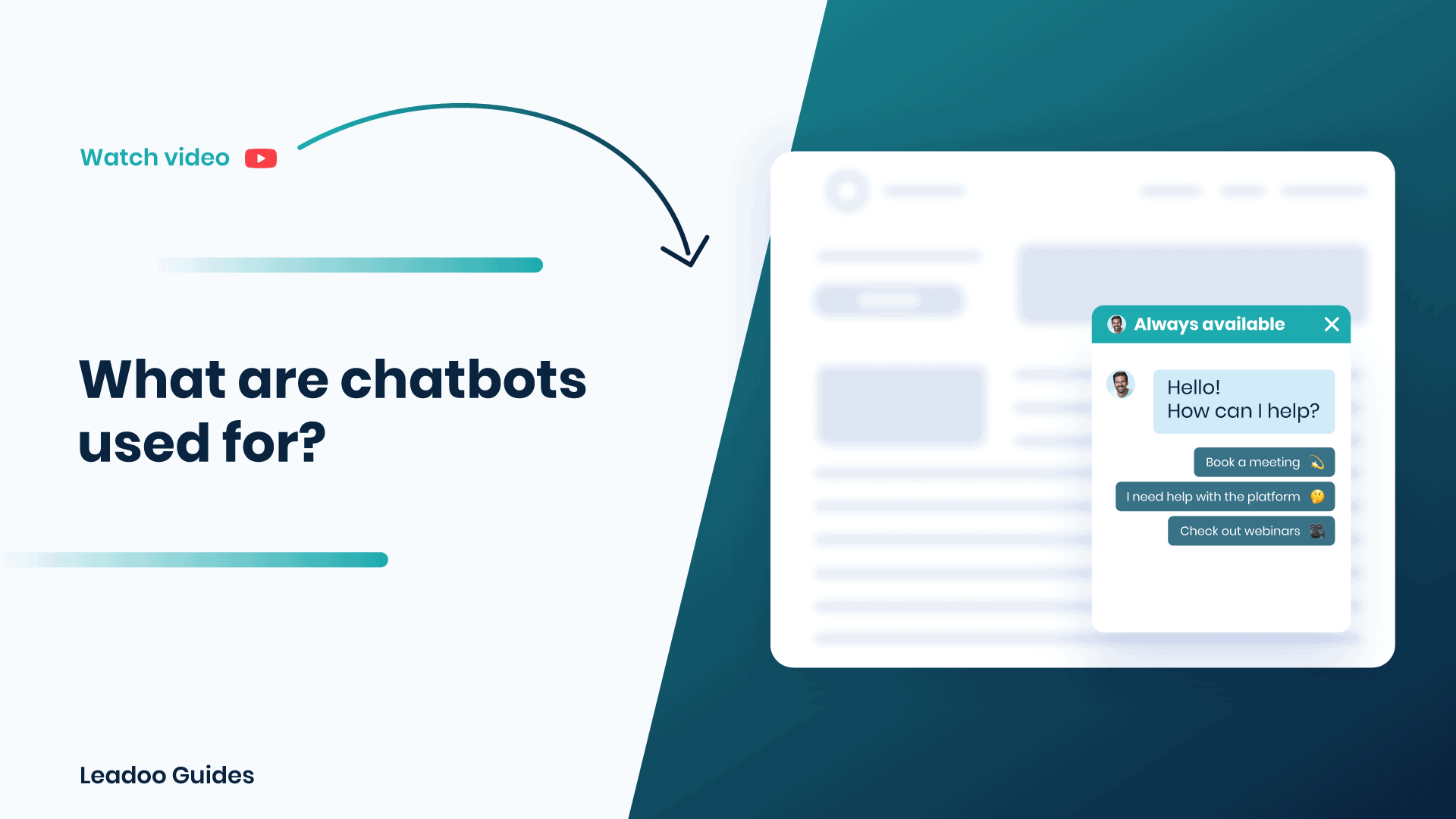
There are quite many answers to this question because in a way they can be used for anything – your imagination is the only limitation. However, traditionally speaking, chatbots have been a way to automate some of the basic FAQ’s that your customer service teams regularly deal with. For example, they could start to deal with some of your website visitor’s questions so your customer support staff didn’t get overwhelmed.
Once chatbots started to incorporate the design of conversational flows like this, the concept of conversational marketing was born. Now chatbots can activate and lead visitors to answers that make them more interested in your company’s products and services. Aside from the customer service functionality, classic use cases for chatbots include recruitment and eCommerce shopping.
Nowadays, chatbots are useful for anything, helping your visitors to navigate around your site and to identify exactly where they are on the customer journey.
Here’s a really useful resource you could check out to learn more about chatbots, what they’re used for and what problems they solve:
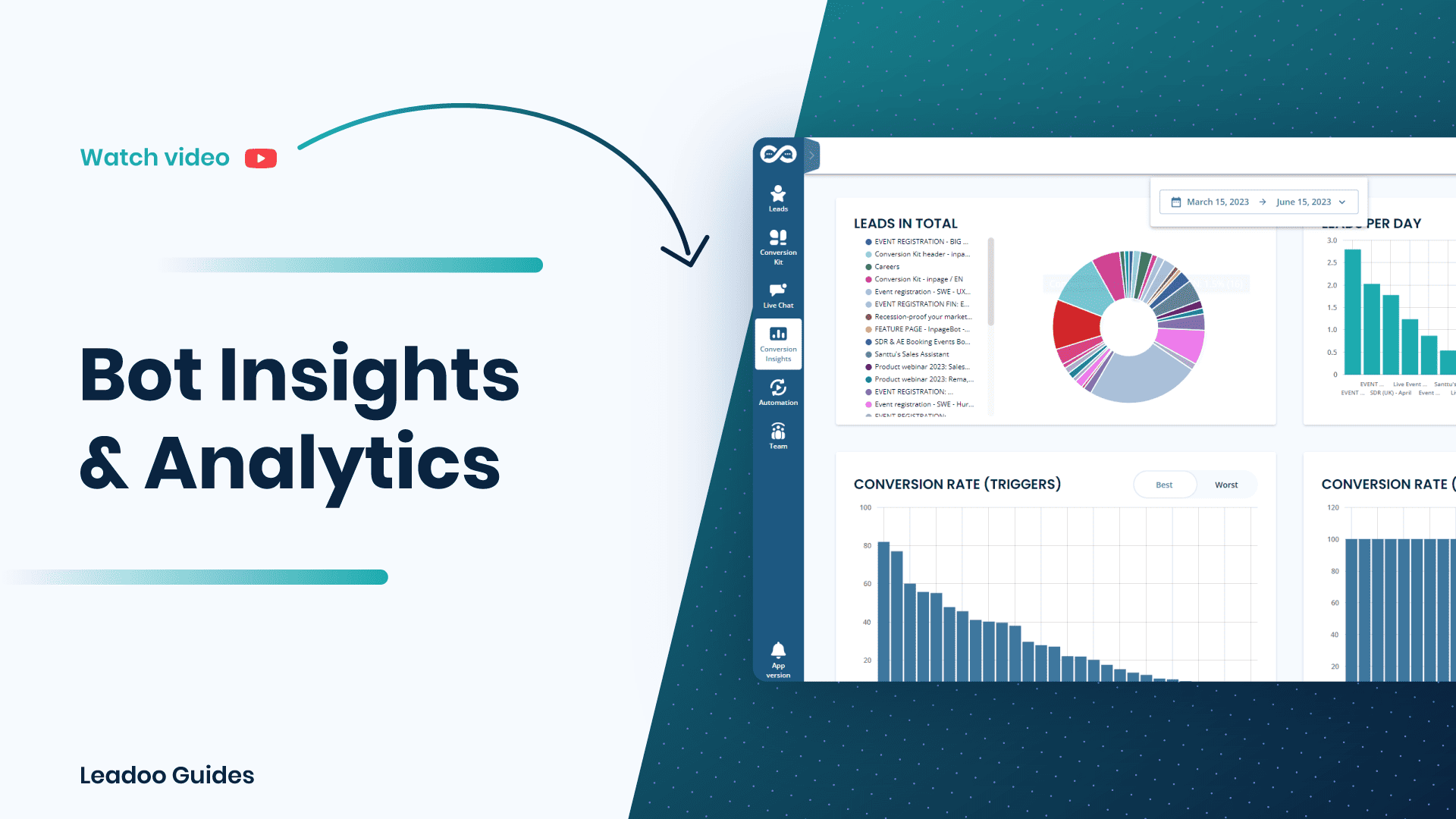
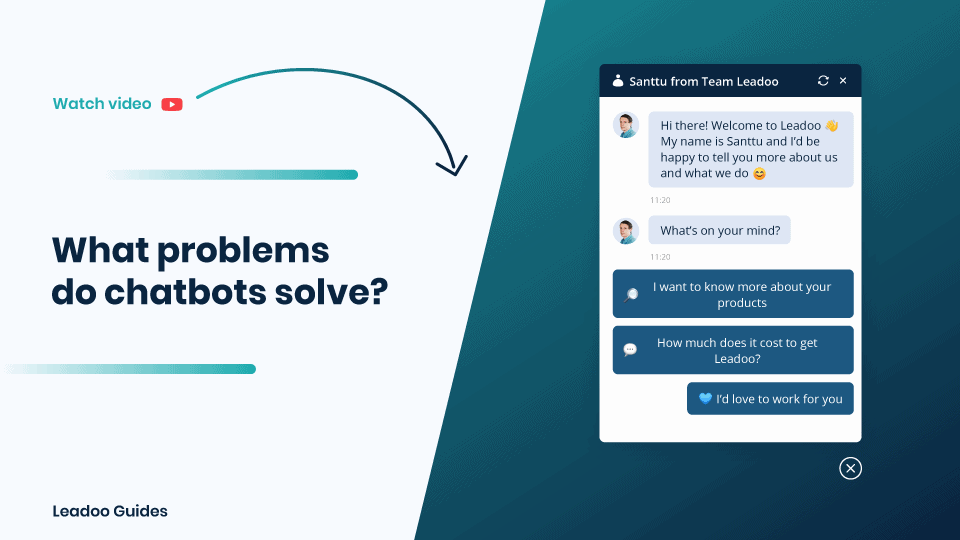
Chatbots can basically solve any issues a customer or prospect may have. Previously chatbots have been used exclusively in this way for customer support. However, now the focus is shifting more and more to lead identification, activation and conversion.
From a marketing perspective, Chatbots take all the hard work you’ve done with your inbound marketing campaigns and make sure that every prospect that visits your site is activated and engaged. This means that you are maximising the potential opportunities present in every visitor to your site.
A chatbot can do any of the following:

