KNOWLEDGE
Case StudiesBlogsEventsSupport & Starting
Support Articles & HubSupport Videos (Youtube)Try Leadoo Free (Leadoo Lite)Partners & Careers
PartnershipsCareersSecurity & Privacy
Security at Leadoo AIGeneral Terms & ConditionsData & GDPRKNOWLEDGE
Case StudiesBlogsEventsSupport & Starting
Support Articles & HubSupport Videos (Youtube)Try Leadoo Free (Leadoo Lite)Partners & Careers
PartnershipsCareersSecurity & Privacy
Security at Leadoo AIGeneral Terms & ConditionsData & GDPR
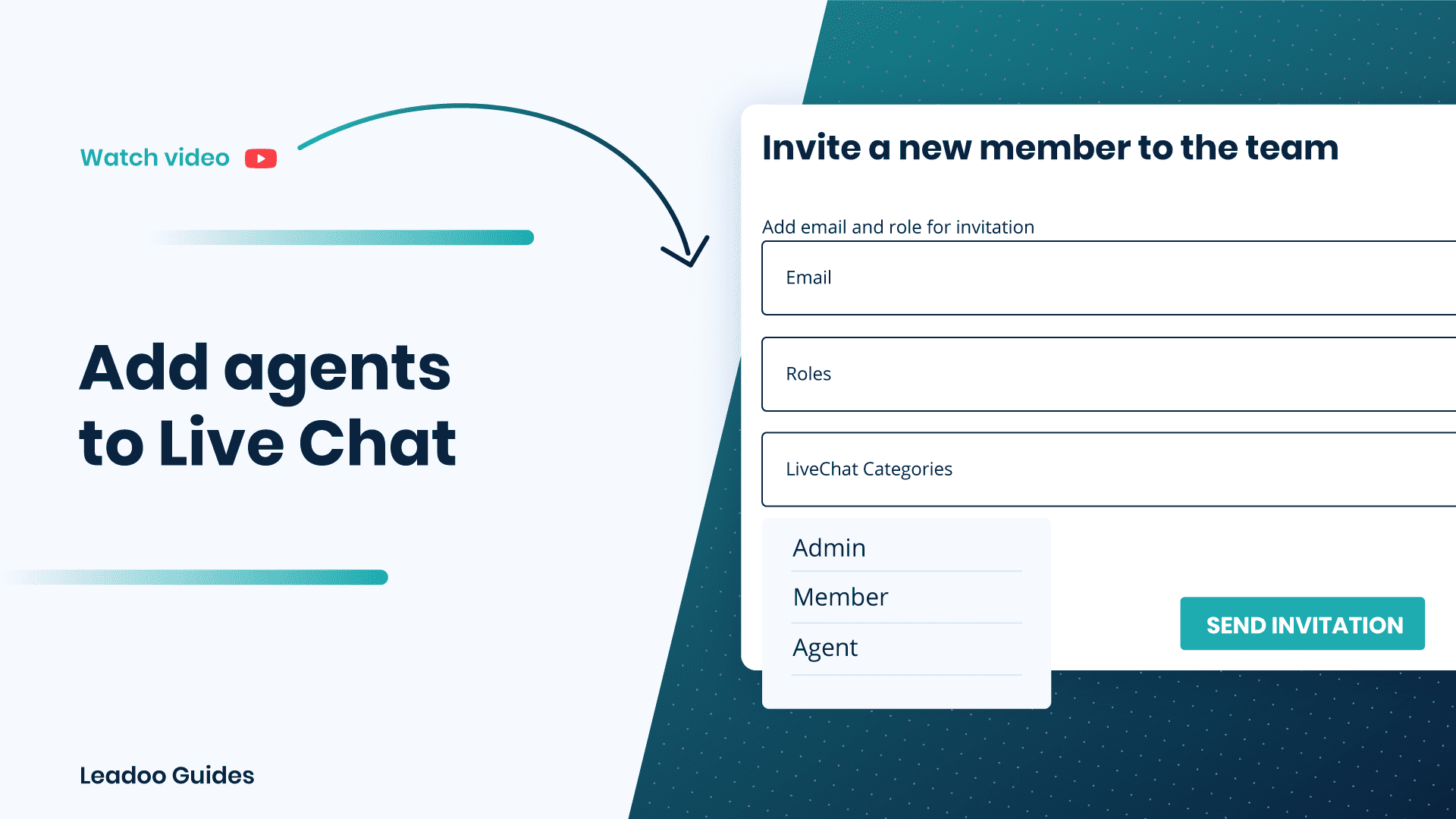
To start using Leadoo Live Chat, you want to first add your agents as team members.
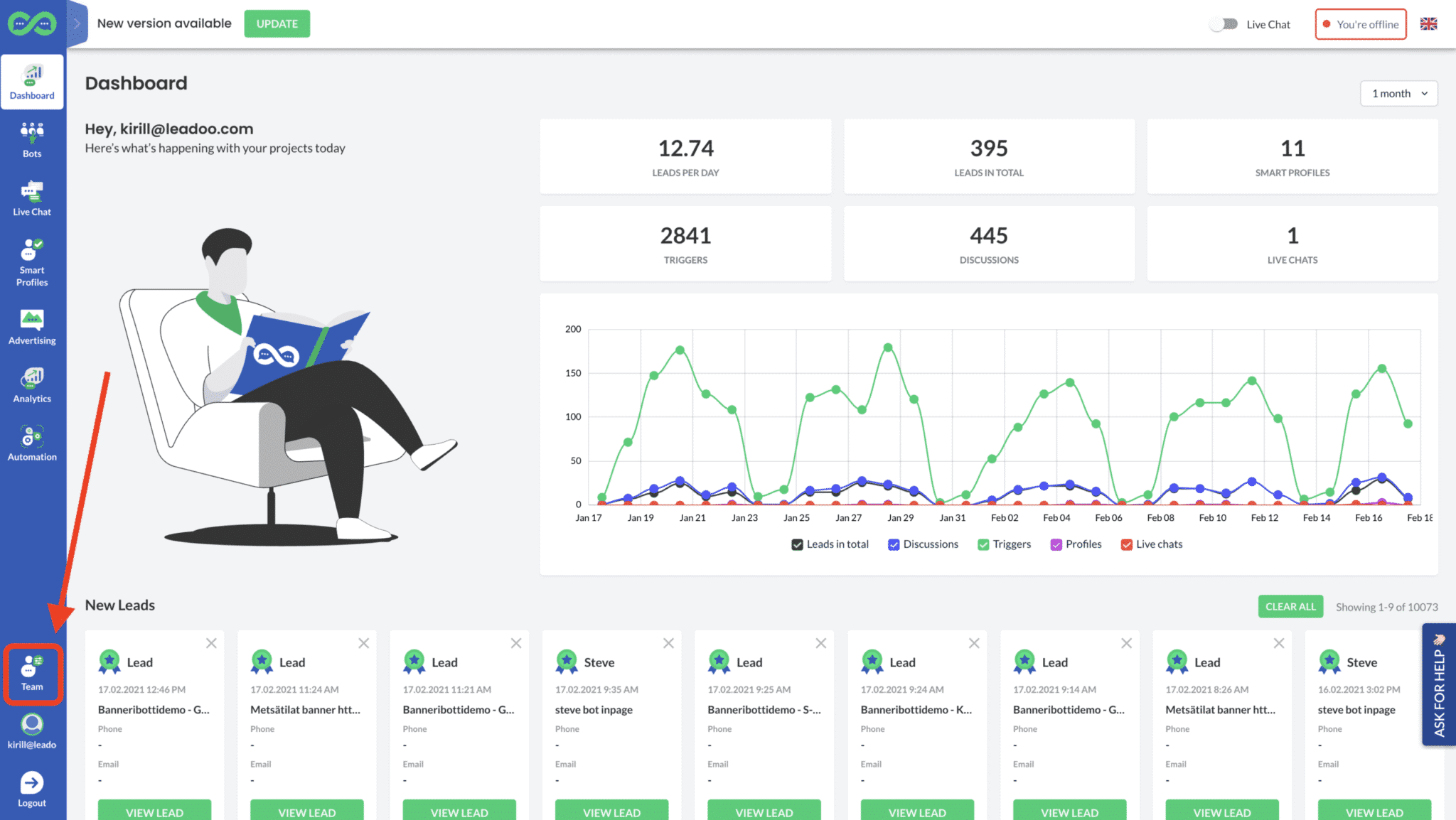
To add live chat agents, click the “Team” button.
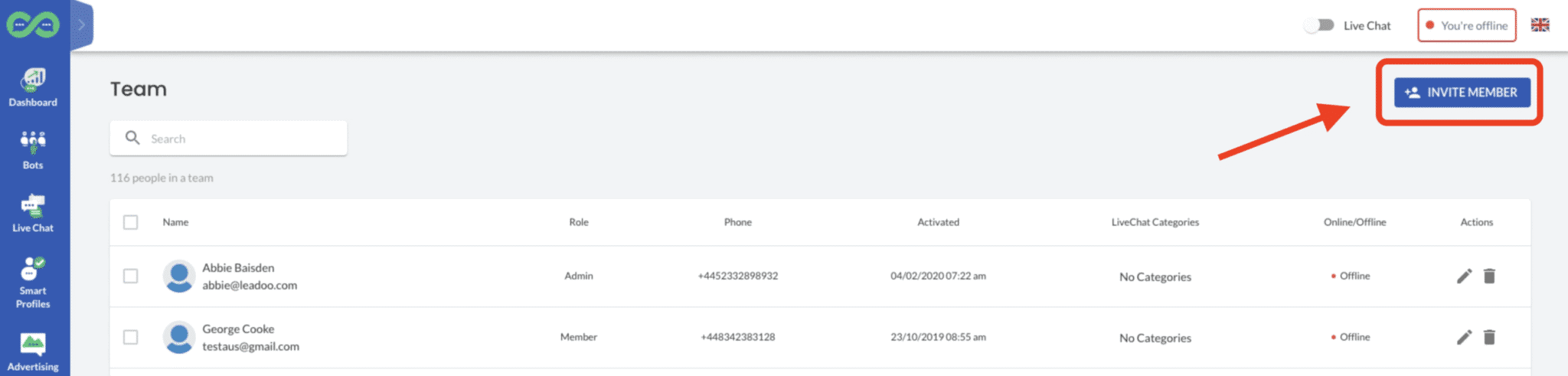
Then select “Invite member”.
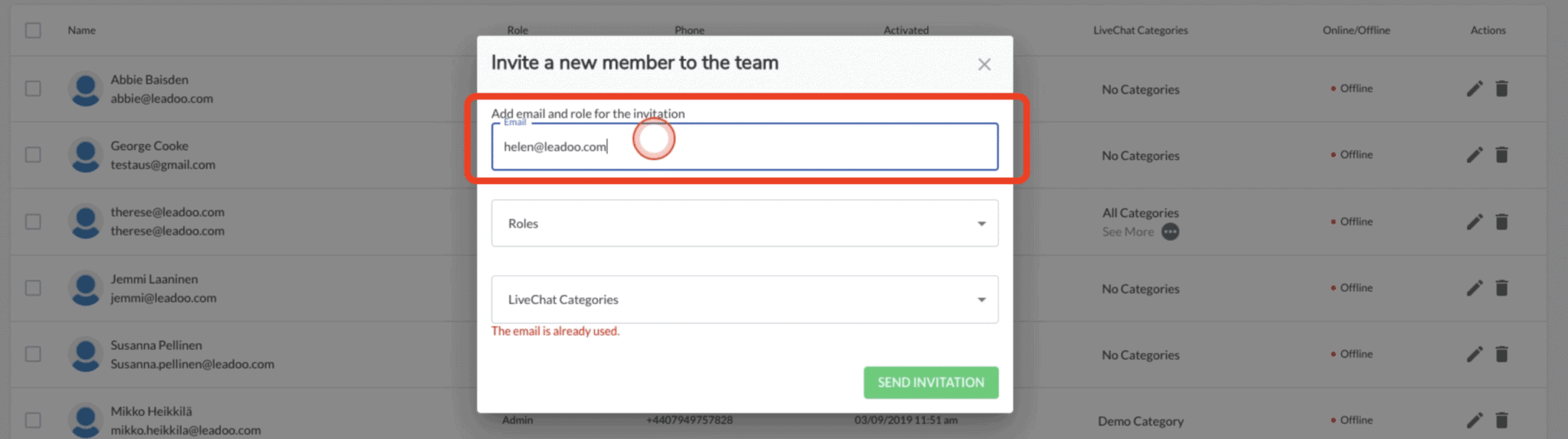
You want to add the email addresses of each new live chat agent separately.
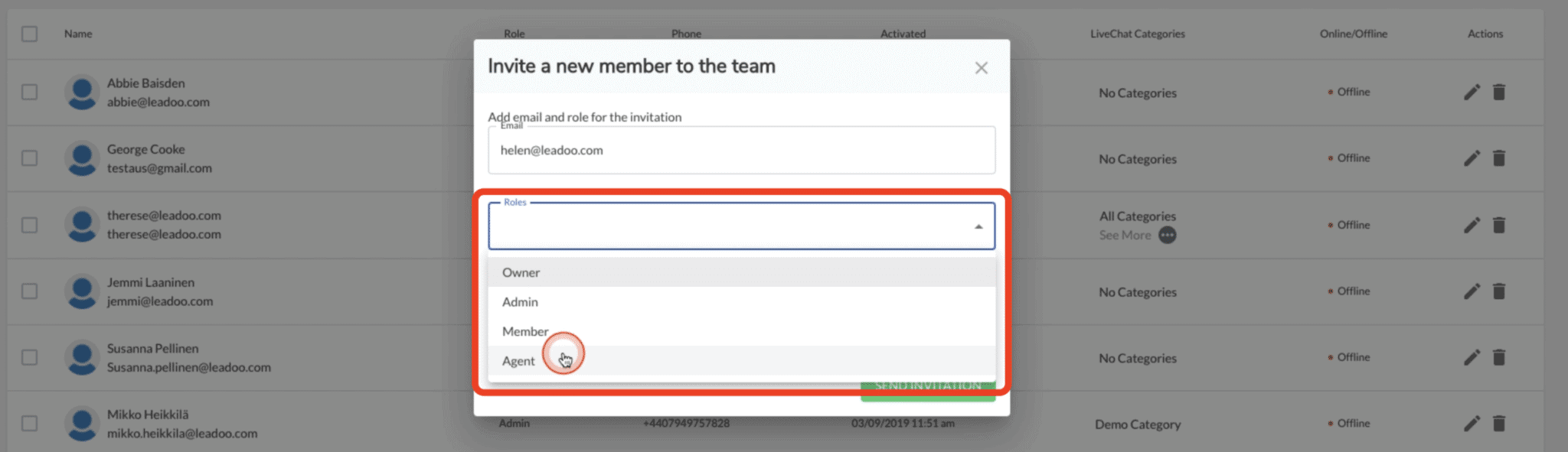
Then select “Agent” from the dropdown list. This means that that person will only be able to access Live Chat in your account, and no other areas.
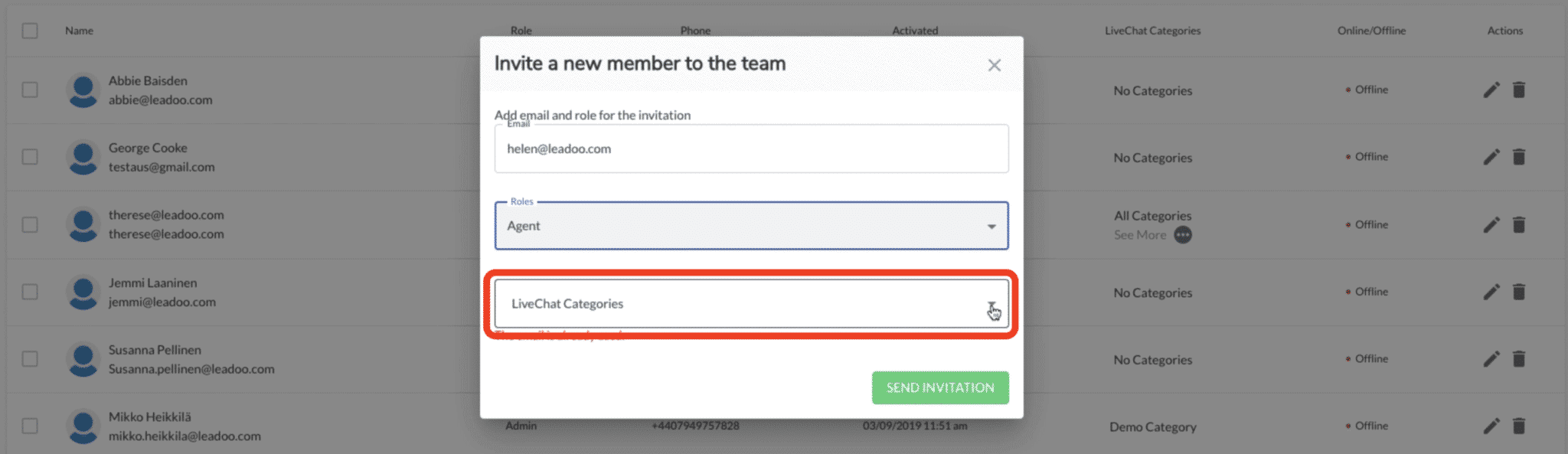
You also want to make sure that you select Live Chat category that the agents should have access to. Once you’ve done this, you can send invitation. That person will then receive a notification in their email account to activate. Then they’ll be able to start using Live Chat as an agent.
A customer needs to ensure that their own Privacy Policy has a statement to the effect that they acknowledge their obligation to keep a customer’s data secure, confidential, and shared only with persons or organizations required to carry out operations. This should include Leadoo as a Processor of visitor and customer data (such as is contained within Smart Profiles). A customer of Leadoo must take full responsibility as the Controller of that data and information.
When setting up the Leadoo tracking codes on your website, they need to be integrated with your GDPR popup for compliance. If you are unsure about this then our Leadoo Customer Success agents are there to help you to understand your obligations regarding setup and data collection.
If you are interested in reading more about how we keep your data safe read this.

