

Leadoo AI Support:
New Style Settings For Chat and Inpage Bots
With 3.0 bots we’ve updated our UI
Here’s how you can edit the new style settings and what you can edit!
Navigate to the bot whose style you want to change. Click either “edit” or “actions” next to the bot, and then select “settings.” After that, go to the “Style” section.
Under style settings, you can choose an existing style or modify the current one. If you modify the current style, you can either update the changes or save it as a new style. The new style will appear in the dropdown menu, and you can apply it.
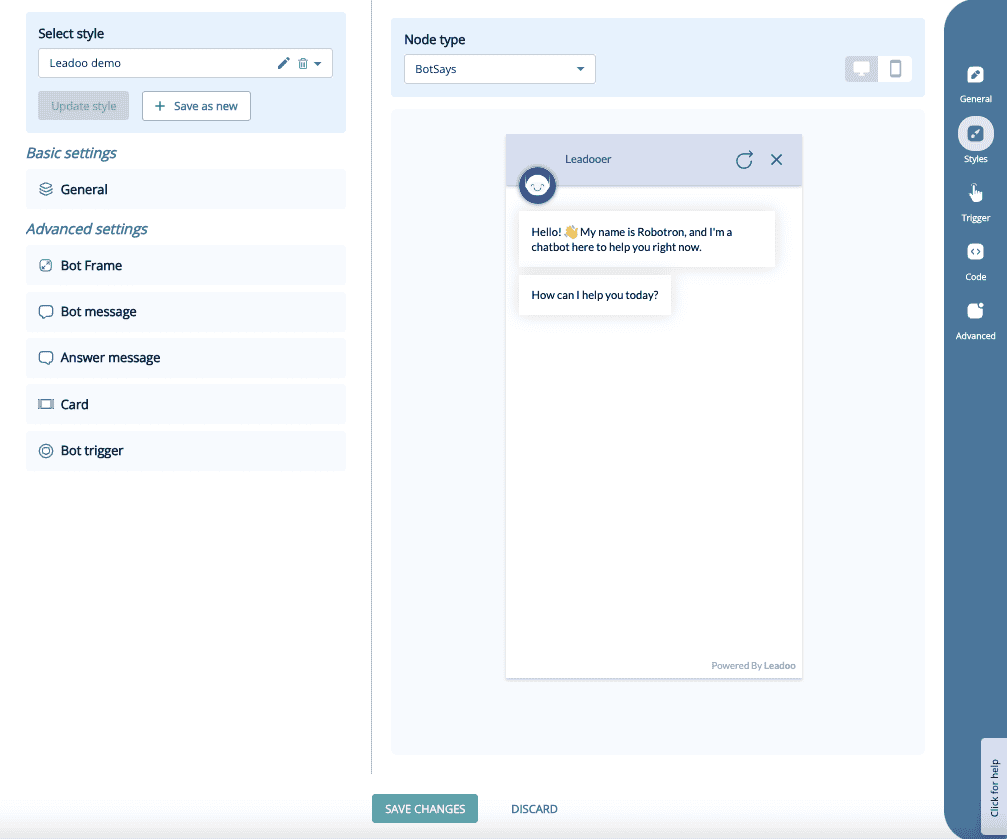
You can compare the changes node by node and preview them on mobile or desktop.
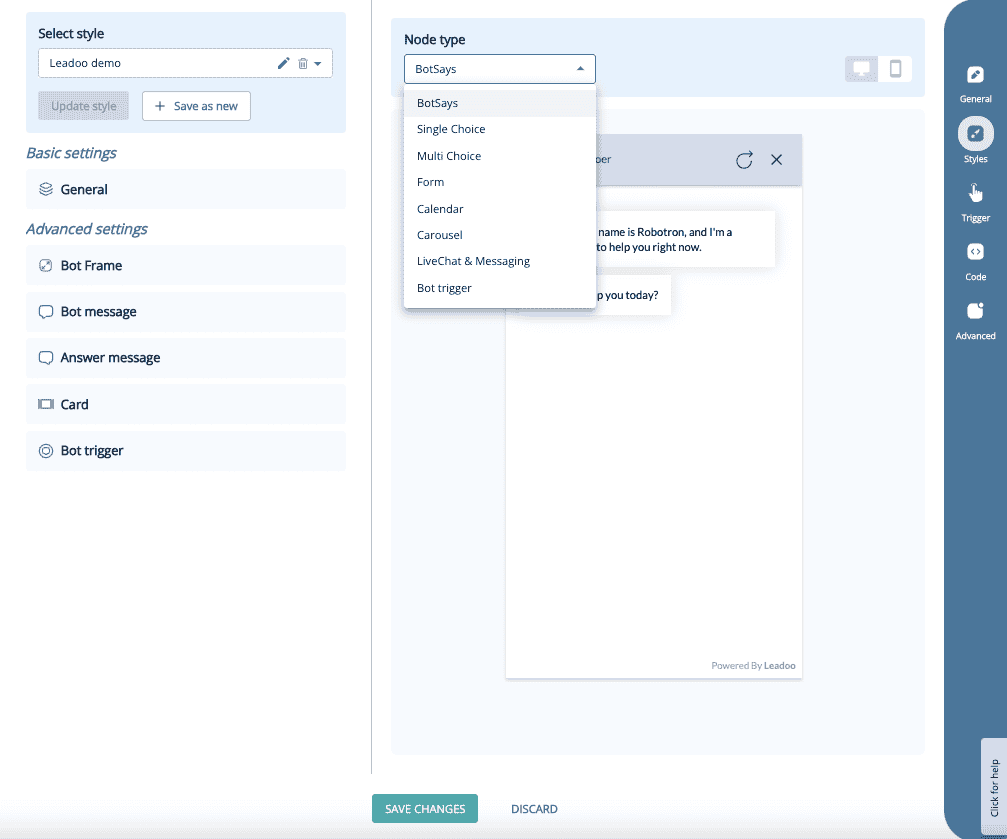
Style Customisation:
Basic Settings:
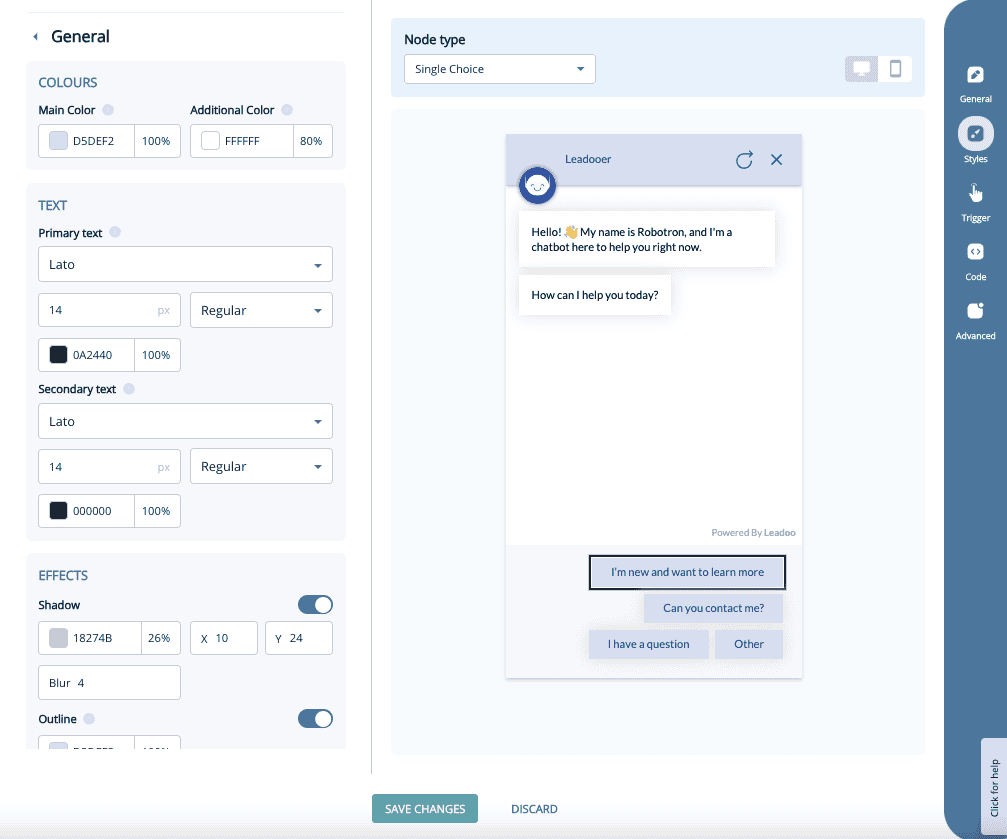
Under “Basic settings,” you’ll find the bot’s general style options, such as main colors, fonts, and font sizes. Most changes can be made under the “General” section.
Advanced Settings
Under Advanced settings, you’ll find more detailed options. These allow you to fine-tune specific elements not covered in the general settings.
The Advanced settings are divided into five different categories:
Bot Frame:
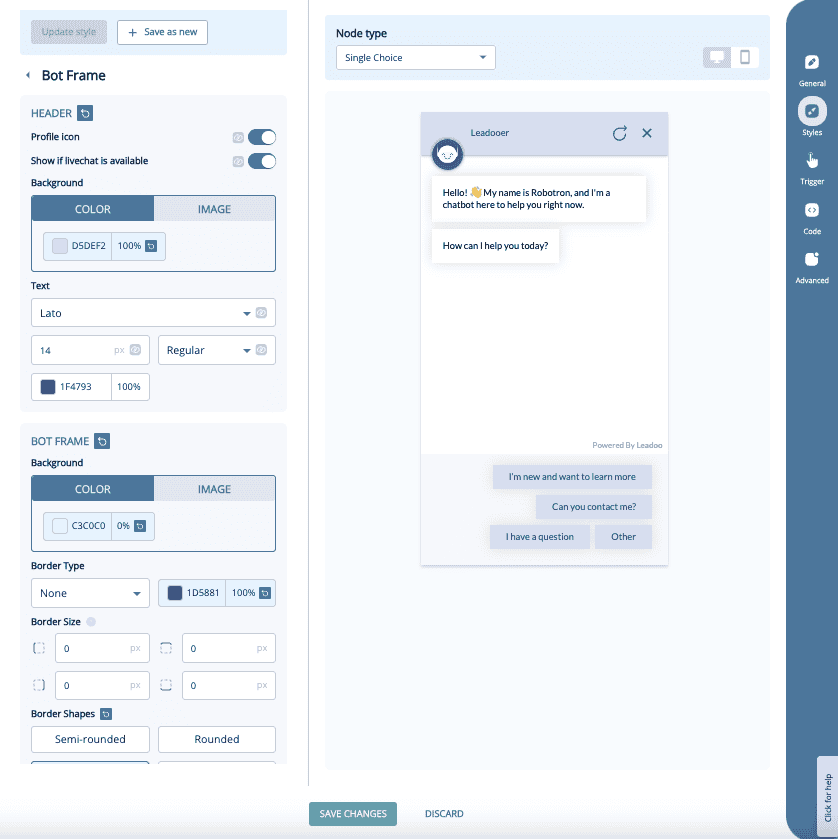
You can manage the background of the bot, border shapes and with chatbot the header area.
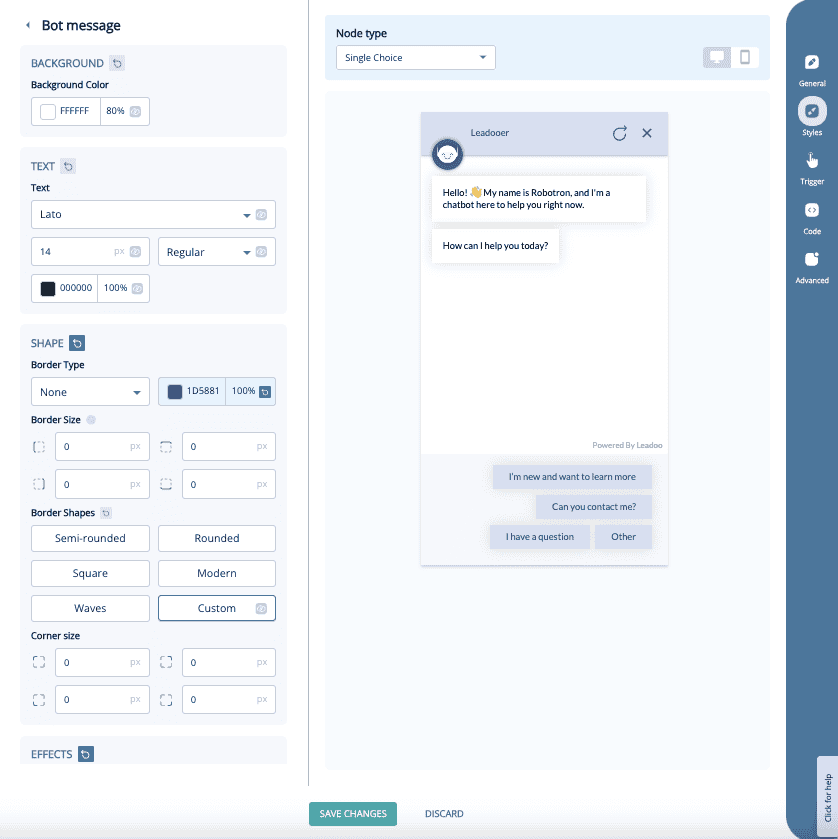
Bot Message:
With this you can manage the message that the bot sends to the website visitor. It includes font, font size, font color, shadow colors and button shapes.
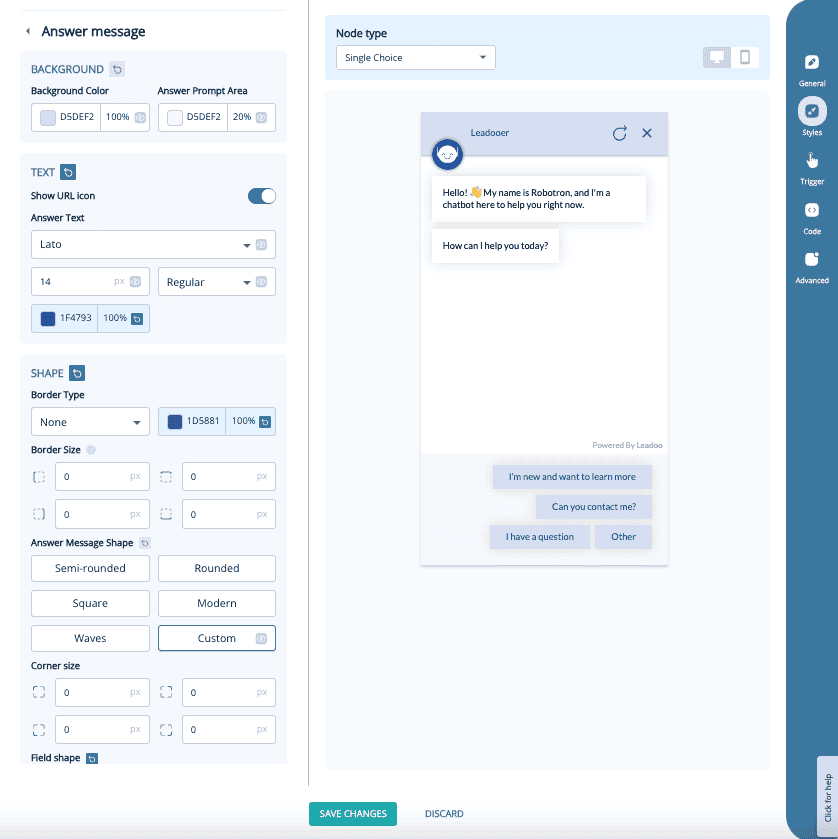
Answer Message:
Similar to the bot message but this is for the buttons that the website visitors click on during the bot discussion.
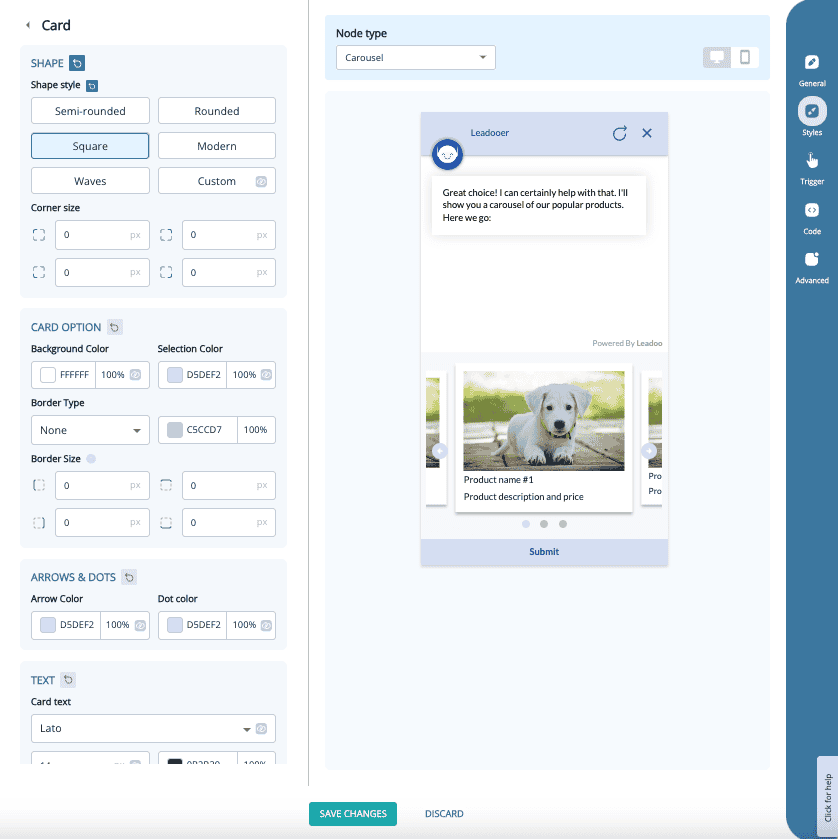
Card:
Only relevant If you’re using the Carousel node. You can edit the card shapes, fonts, font colors and other visual effects.
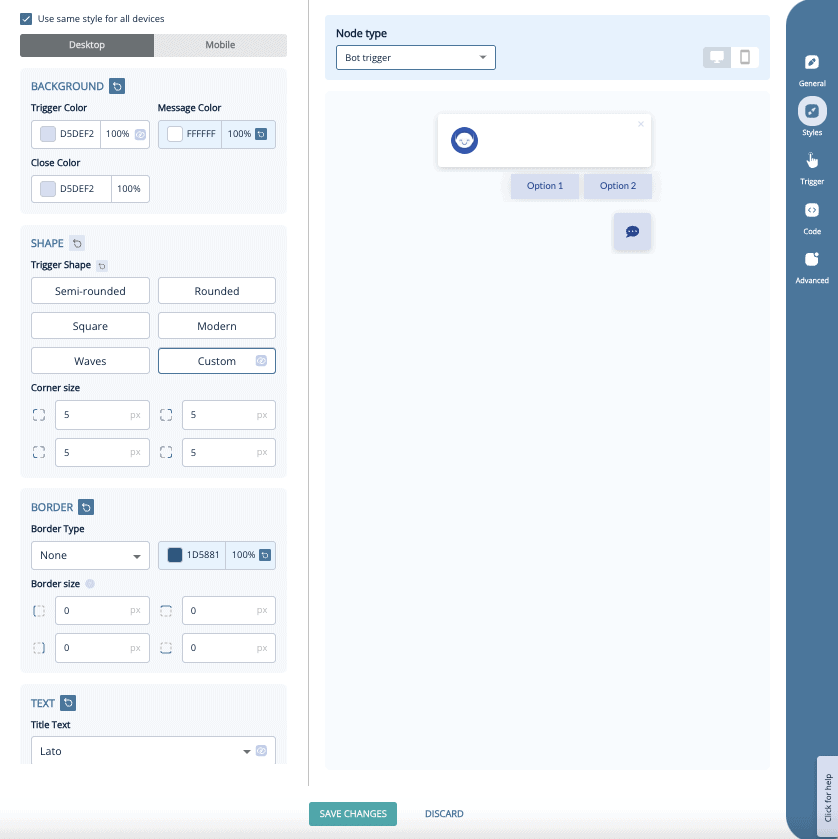
Bot Trigger:
- You can edit the styles on the bot trigger element, which defines how the bot appears before it opens automatically / before website visitor opens the bot.
- Includes colors, shapes, fonts and effects
- You can have different style settings for desktop / mobile
If you have any issues with your style settings you can contact your Leadoo contact person or [email protected]